A Simple Guide to Changing Your Jetwriter AI Subscription
Are you thinking about changing your subscription plan with Jetwriter AI? Maybe you want to try a different plan that fits your needs better. Changing your plan is easy and doesn't take much time. In this article, we'll walk you through the steps to downgrade your subscription. Plus, we have links to useful articles that can help you with other parts of using Jetwriter AI.
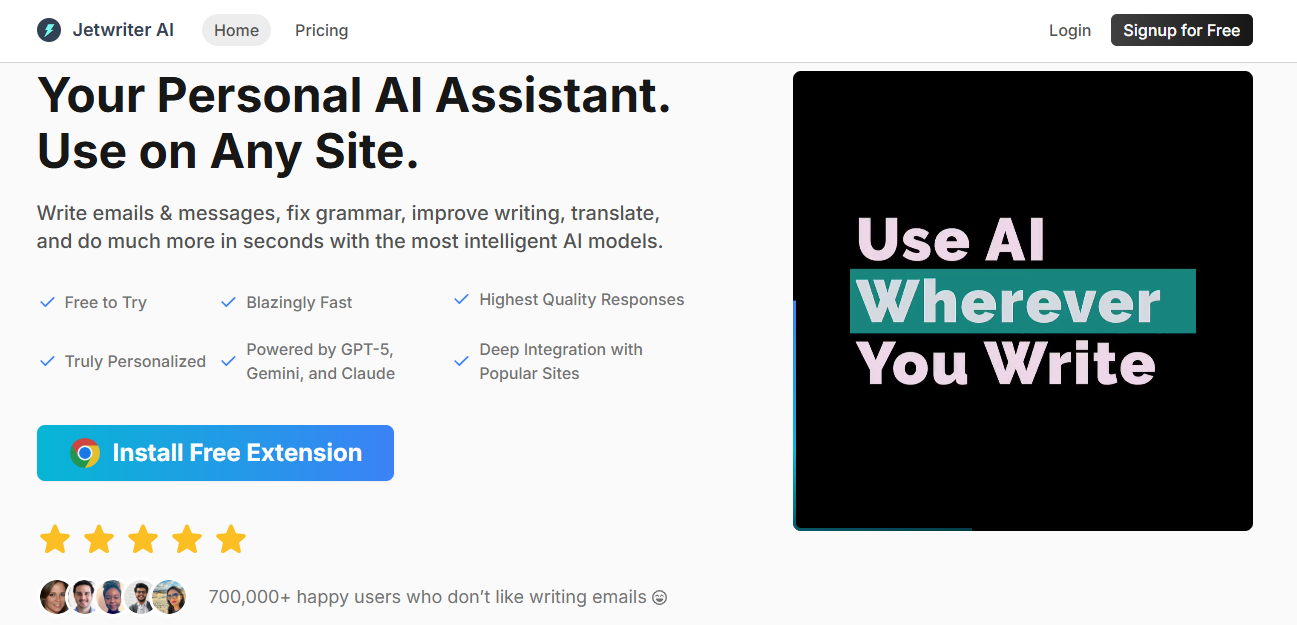
Step 1: Go to the Jetwriter AI Website
Start by visiting the Jetwriter AI website. This website is where you can manage your subscription and see what other features the tool offers.
Step 2: Find the Pricing Page
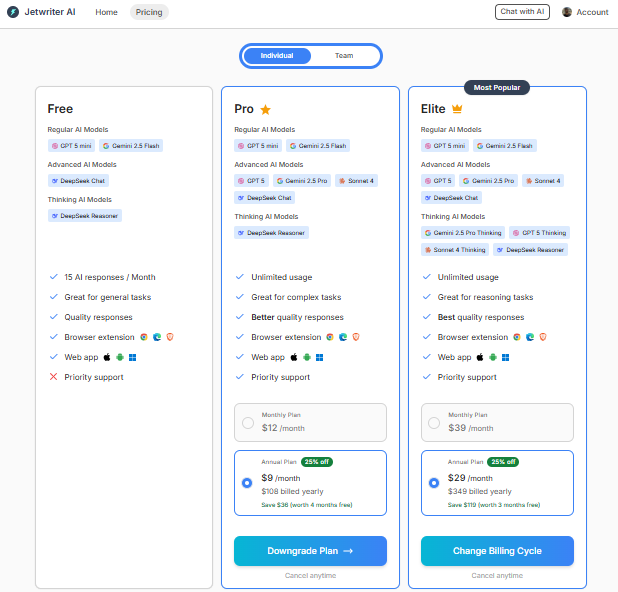
Once you're on the website, look for a section called 'Pricing'. This page shows all the subscription plans that Jetwriter AI offers. You can compare the plans here and see which one suits your current needs.
Step 3: Choose the Plan You Want
Take a look at each plan carefully. Jetwriter AI has different plans for different kinds of users.

Think about what you need from the tool and pick the plan that's right for you.

Step 4: Confirm Your New Plan in Stripe
After choosing your new plan, the website will take you to a secure Stripe checkout page. Stripe is a safe way to handle online payments. On this page, you'll see the details of your new plan. Make sure everything looks good. Once you've checked that all details are accurate, proceed by clicking the 'Confirm' button. This action will finalize your plan update.
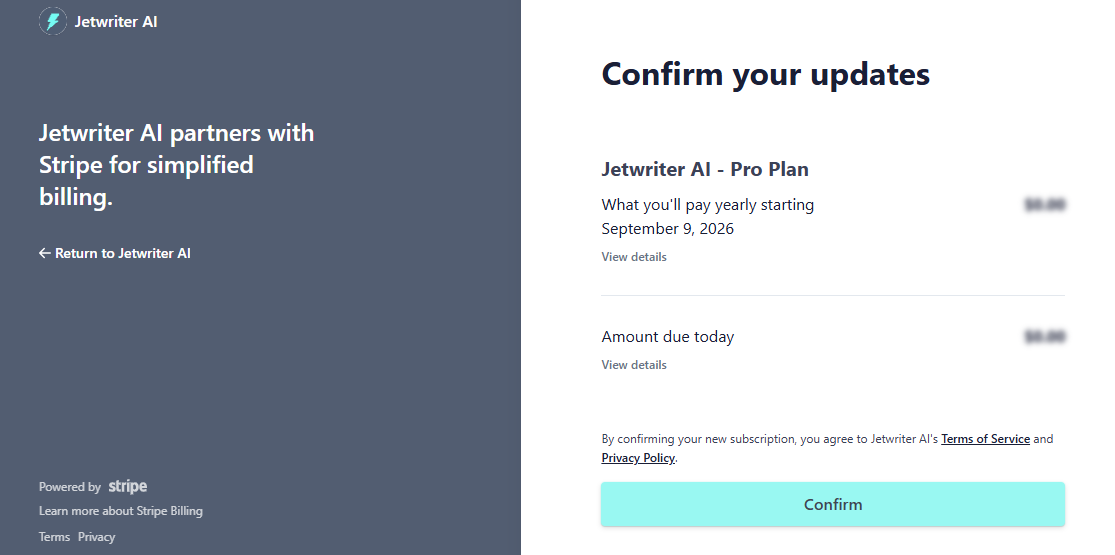
Shortly after, you'll receive an email confirming the changes to your subscription. Upon successful completion of the subscription process, you'll be automatically redirected back to the Jetwriter AI page.
Need More Help?
Changing your subscription is just one part of using Jetwriter AI. If you're looking for more information or need help with other features, we have lots of guides:
- How to Install the Jetwriter AI Extension: This guide will show you how to set up the extension on your browser.
- How to Sign Up for Jetwriter AI: Here, you'll learn how to create an account so you can start using the tool.
- How to Log In to Jetwriter AI: Find out how to log into your account quickly.
- How to Launch Jetwriter AI: This article will show you how to open the extension and get started.
- How to Use Jetwriter AI in Gmail: Get tips on how to use all the great features of the tool to improve your writing.
- How to upgrade to a paid plan: Get tips on how to upgrade to a paid plan
Conclusion
Changing your subscription with Jetwriter AI is a simple process. Whether you want to try a plan with more features or need something more basic, you can switch your plan easily and quickly. With all the extra help from our guides, you can make sure you're getting the most out of your Jetwriter AI experience. Happy writing, and enjoy exploring all the features your new plan has to offer!
Was this article helpful?
That’s Great!
Thank you for your feedback
Sorry! We couldn't be helpful
Thank you for your feedback
Feedback sent
We appreciate your effort and will try to fix the article